Why a Regular Stock Simulator Doesn't Quite Fit a Class Period
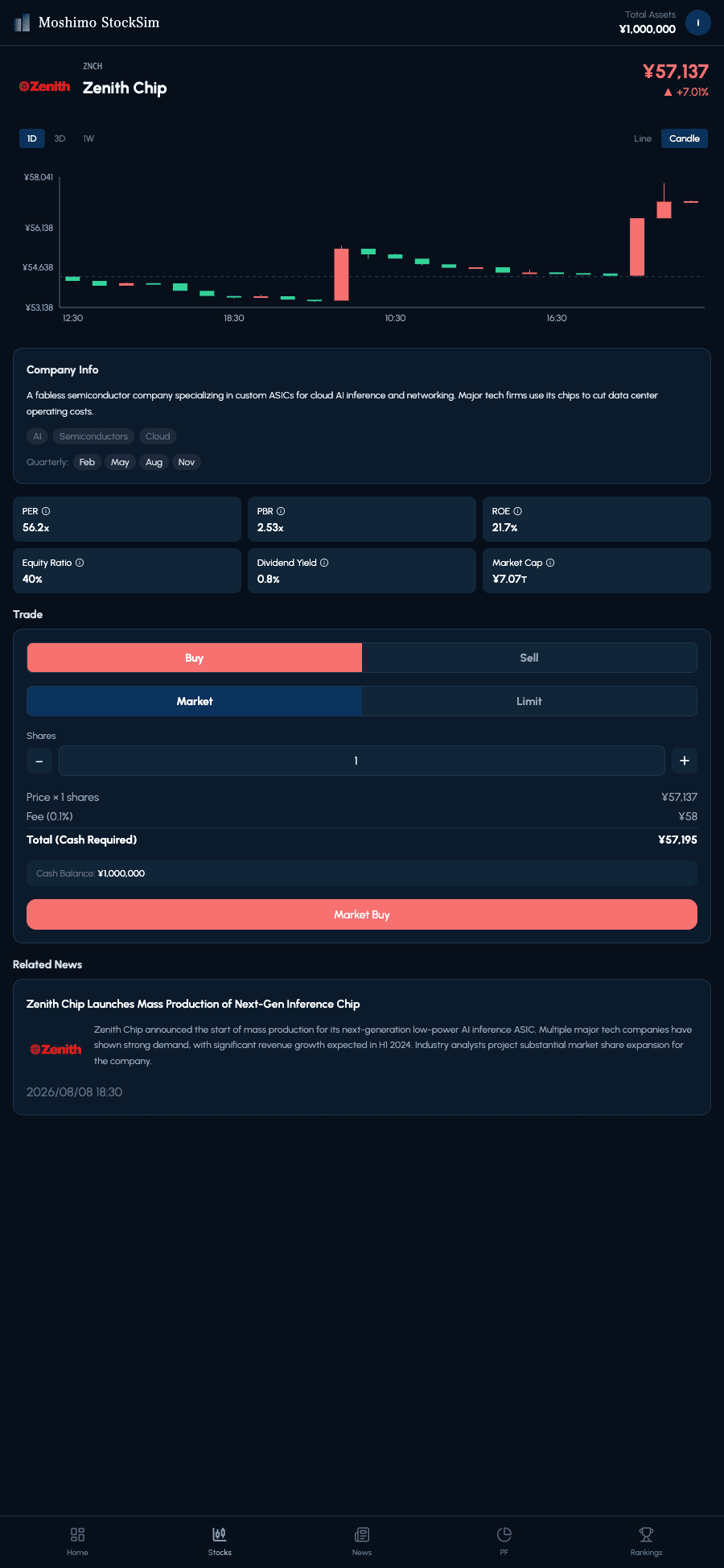
A stock simulation game lets students buy and sell stocks with fake money instead of real cash, watching a virtual portfolio rise and fall exactly like it would in a real brokerage account. Moshimo StockSim's main market does exactly that — but it's a shared, live market that never stops moving, 24 hours a day.
That's great for casual play, but it makes a regular class period awkward: prices keep drifting between sessions, so there's no way for a teacher to say "look at this moment together" and have the whole room on the same page. School Mode was built to close that gap — and it works two ways: a class leaderboard inside the live market, or a teacher-controlled 'time machine' session.
How School Mode Works
1. Class: compete as a class in the live market
Pick a class name and you get a 6-digit join code and a QR code. Students enter their name and the code, then trade in the shared real-time market as usual. A new "Class" tab on the Rankings screen shows how they stack up against their classmates only (total assets, plus daily, weekly, and monthly returns). Since prices keep moving outside class, it suits multi-day projects and homework.
- ●The only setup is a class name — no ticker selection needed
- ●Teachers see the class leaderboard and can download it as CSV
- ●Students appear under the name they entered when joining, so you always know whose result is whose
2. Time-machine session: everyone on the same moment
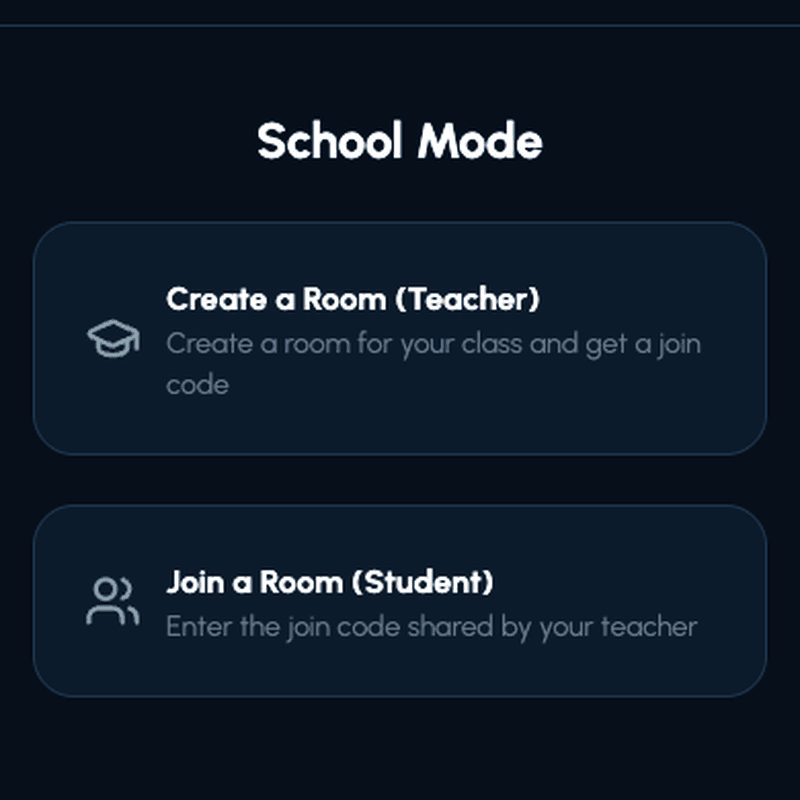
- ●A teacher creates a private classroom room and gets a join code
- ●Students join with the code or by scanning a QR code — no email, sign-up, or app install
- ●The teacher's 'time machine' panel steps the market forward (to the next price move with "Next", or to any date and time you pick), syncing the same prices and news to every student's screen at once
- ●The teacher can view the full class roster and drill into any student's portfolio (cash, holdings, and trades) at any time
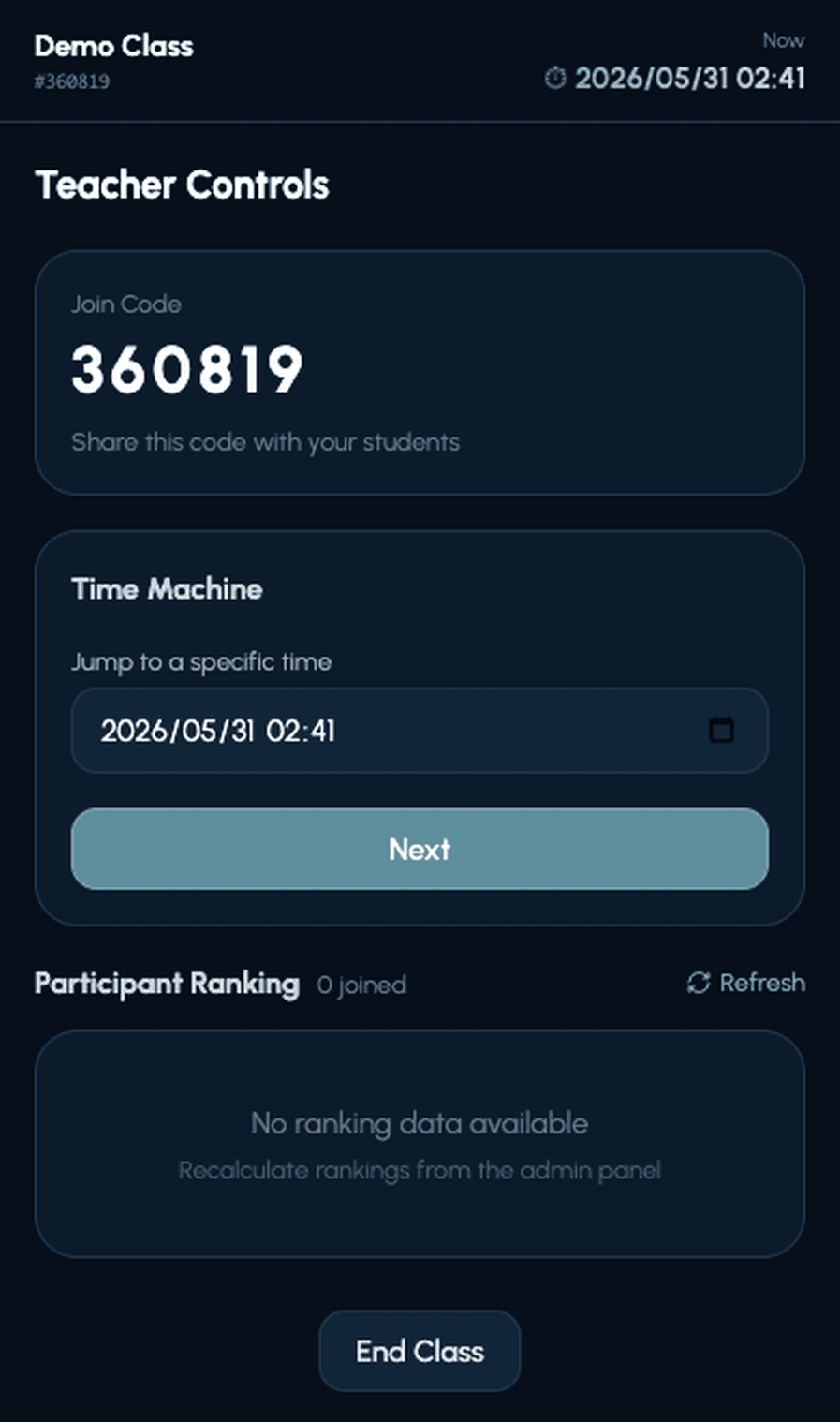
This is School Mode's core feature: the time machine. When a teacher jumps to a chosen date, that moment's prices and news sync to every student's screen at once. Fast-forward through a week to show how a headline played out, or step forward one price move at a time and let the class react in real time — the pace is entirely up to the teacher.
After class: a built-in review
- ●Trade reasons: students write why they bought or sold (you can make this required when creating a session)
- ●Review screen: when the session ends, the final ranking, the biggest movers with the news behind them, and each student's own trades and reasons are gathered on one page
- ●CSV export: download results and every student's trades (with reasons) for records or grading
No. Students join with the code a teacher shares or by scanning the QR code — no email address, password, or app install required. As guests, though, their results won't carry over to another device or browser, so for multi-session use we recommend linking a Google or Apple account from the prompt on screen.
Time-machine sessions use completely separate data from the main shared market and leaderboard, so those trades never touch a student's regular ranking or portfolio. A Class, by contrast, uses students' regular accounts and simply compares results within the class.
Which Classroom Tool Fits Your Class
Here's how four of the most popular options for classroom trading compare, from a purpose-built browser tool to full curriculum programs on real market data.
 Moshimo StockSimRecommended! Moshimo StockSimRecommended! | The Stock Market Game | HowTheMarketWorks | MarketWatch Virtual Stock Exchange | |
|---|---|---|---|---|
| Tickers & price action | 200+ fictional companies across Japan and the US, with prices driven by an original news-linked storyline | Real stocks, bonds, ETFs, mutual funds, and ESG investments, using real market data | Real, live-market stocks and ETFs with real-time price data | Real, live stocks, ETFs, and mutual funds with real-time market data |
| Classroom setup | Free School Mode: a class or session with a join code and QR code in under a minute, trade reasons and CSV export included, no district registration | Requires a registered teacher or school account, built around a semester-long curriculum | Teacher dashboards with trade-note requirements and progress reporting | Create or join a custom trading game in minutes |
| Price | Free (no in-app purchases) | Free, run through a registered classroom session | Free (ad-supported); ad-free plan available for schools | Free |
| Best for | A teacher who wants the whole class trading together, in sync, this week — no district sign-up required | Students in a class running an official multi-week competition | Teachers who want detailed classroom management tools and real stock data | Anyone who wants to run their own custom contest with real stocks, fast |
Information current as of September 2026 — please check each program's official site for the latest details and eligibility requirements. The Stock Market Game, HowTheMarketWorks, and MarketWatch Virtual Stock Exchange are independent, unaffiliated programs mentioned here for comparison.
- ●Teaching a formal personal finance or economics unit with lesson plans and assessments? The Stock Market Game is purpose-built for this, with resources for grades 4-12.
- ●Want real stock data and teacher oversight (trade notes, progress reports) without a semester-long commitment? HowTheMarketWorks offers classroom tools plus public contests.
- ●Want to start today, with the whole class moving through the market together and zero district paperwork? School Mode is built for exactly this.
What Makes Moshimo StockSim Different
Outside of School Mode, Moshimo StockSim is a stock trading simulation where every player shares the same virtual market — other players' trades and dynamically generated news move prices, giving students the tension of a real trading floor rather than a solo, static exercise.
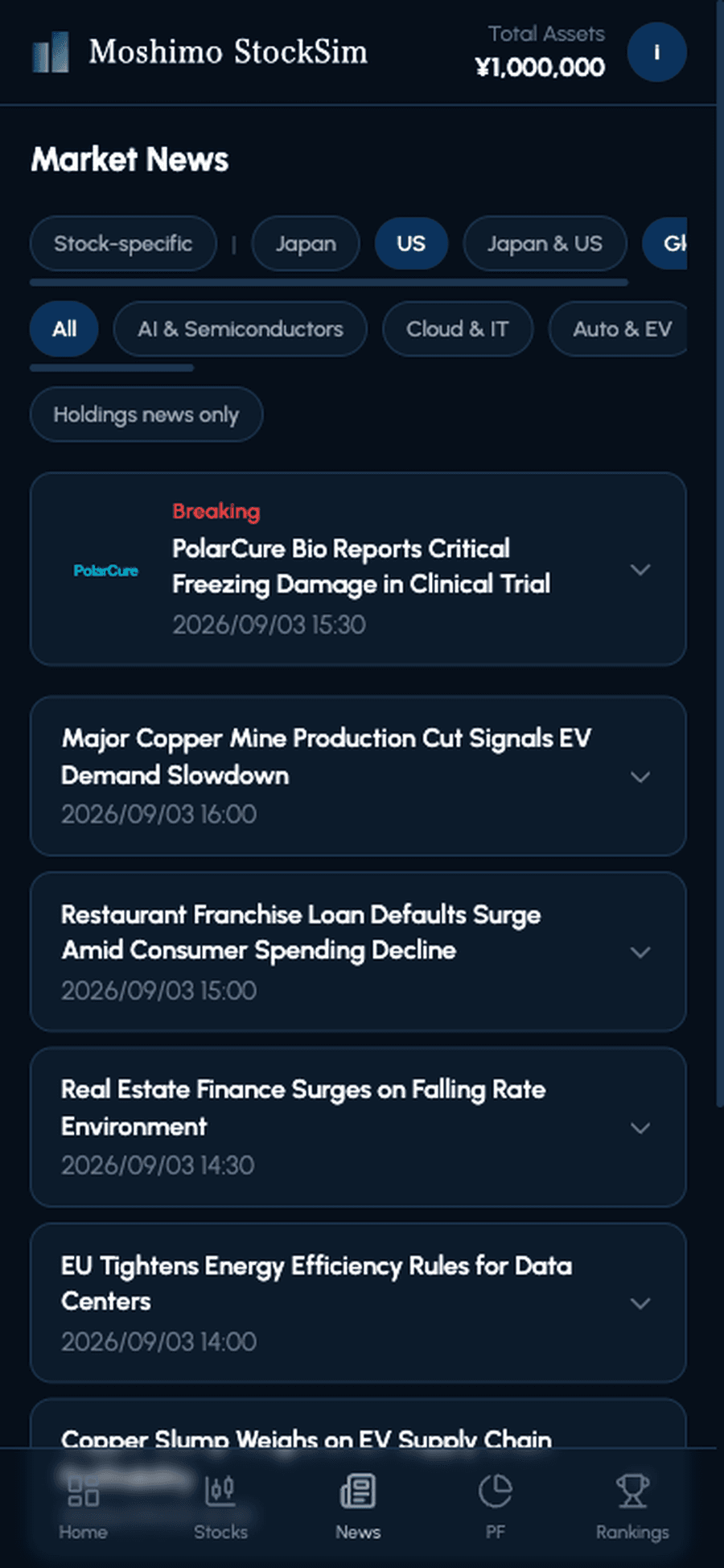
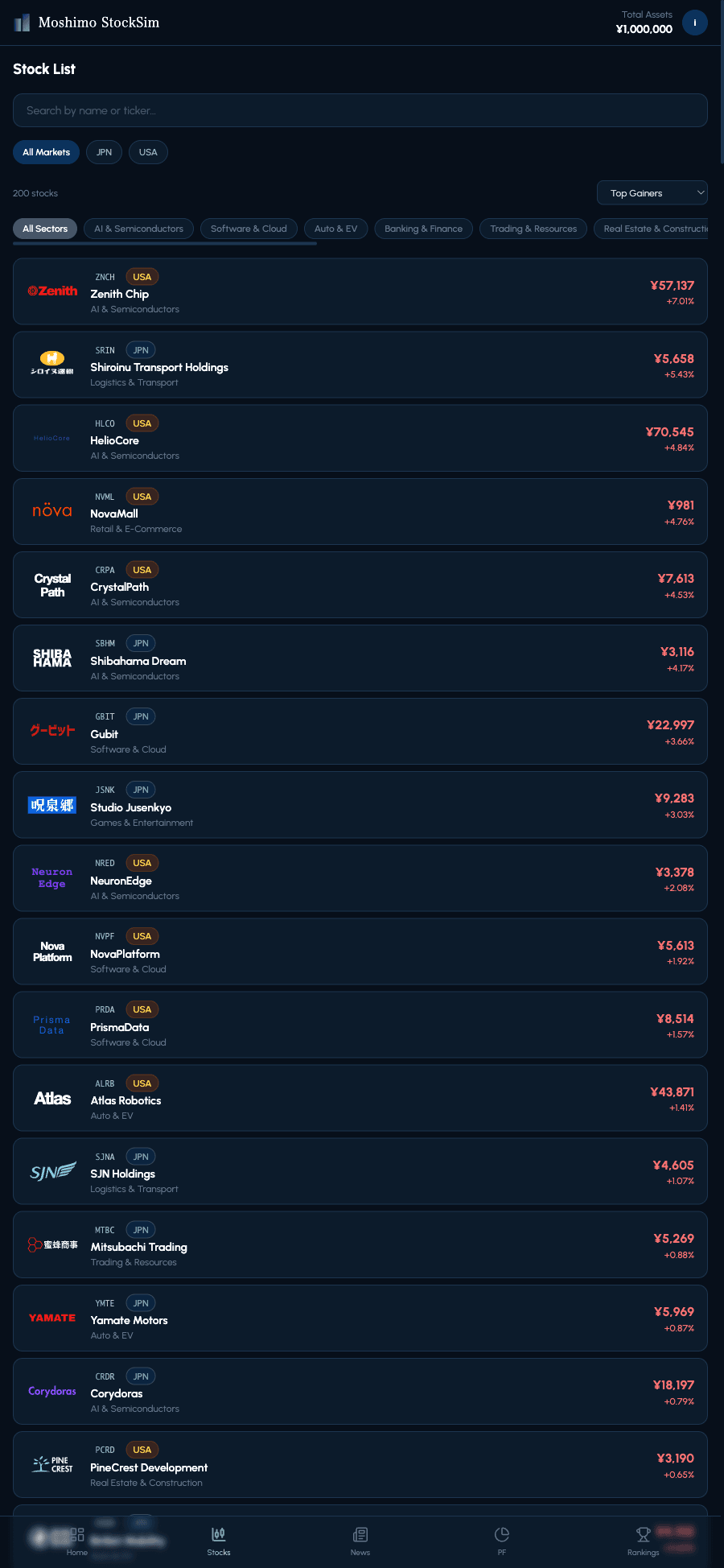
- ●Over 200 fictional companies listed across Japan and the US
- ●A 'story arc' system that ties news events to price movement
- ●Sectors spanning AI/semiconductors, finance, EVs, food & retail
It's a game, not a real brokerage — no real money is ever involved, for teachers or students. It's free to use with no in-app purchases.
Often, yes. There's no risk of a younger student confusing a practice trade with a real brokerage account, and news-driven storylines can make price moves easier to follow than raw real-world market data.
Live prices from the shared market right now. Tap any stock to see its chart and news — no account needed.
Play free in your browserWhy Practicing in a Game Helps
Zero risk to experiment with
The biggest benefit is zero risk. Since no real money is on the line, mistakes cost nothing financially. Buying at the wrong time, panic-selling on a dip — every misstep becomes a lesson a student can carry forward instead of a real loss.
Realistic price action
Well-made simulations also model price movement realistically, reacting to news, earnings, and overall market mood. That intuition for how a stock responds to a headline is hard to get from a textbook alone.
Terminology that sticks
Terms like PER, PBR, market orders, and limit orders also stick better when students encounter them while actually using the app, rather than memorizing a glossary in isolation.
A plain-language walkthrough of the core fundamentals terms, with screenshots from Moshimo StockSim's own stock detail screen. Works well as pre-reading or a handout before a class session.
Start a Free Classroom in Minutes
School Mode is completely free, with no district approval or advance registration required. As soon as a teacher creates a class or session, a join code and QR code are ready and the class can start.
- ●1. Teacher: create a Class (just a name) or a time-machine session (tickers, starting cash, whether reasons are required)
- ●2. Students: scan the QR code or enter the code — no account, email, or app install
- ●3. Class: students check the "Class" tab on Rankings. Session: advance the market with the time machine, then discuss on the review screen
Run a class leaderboard in the live market, or a teacher-controlled time-machine session. Students join with a code or QR code, and trade reasons, a post-class review, and CSV export are built in.
Yes, School Mode and every other part of Moshimo StockSim are completely free, with no in-app purchases.
It's designed around a single class (roughly 30 students). Larger rooms can slow down how quickly stock lists and rankings load, so it helps to scale the number of tickers to your class size.